9:00 AM
01
CAPTURE THE EVIDENCE
Let the day leave a trail.
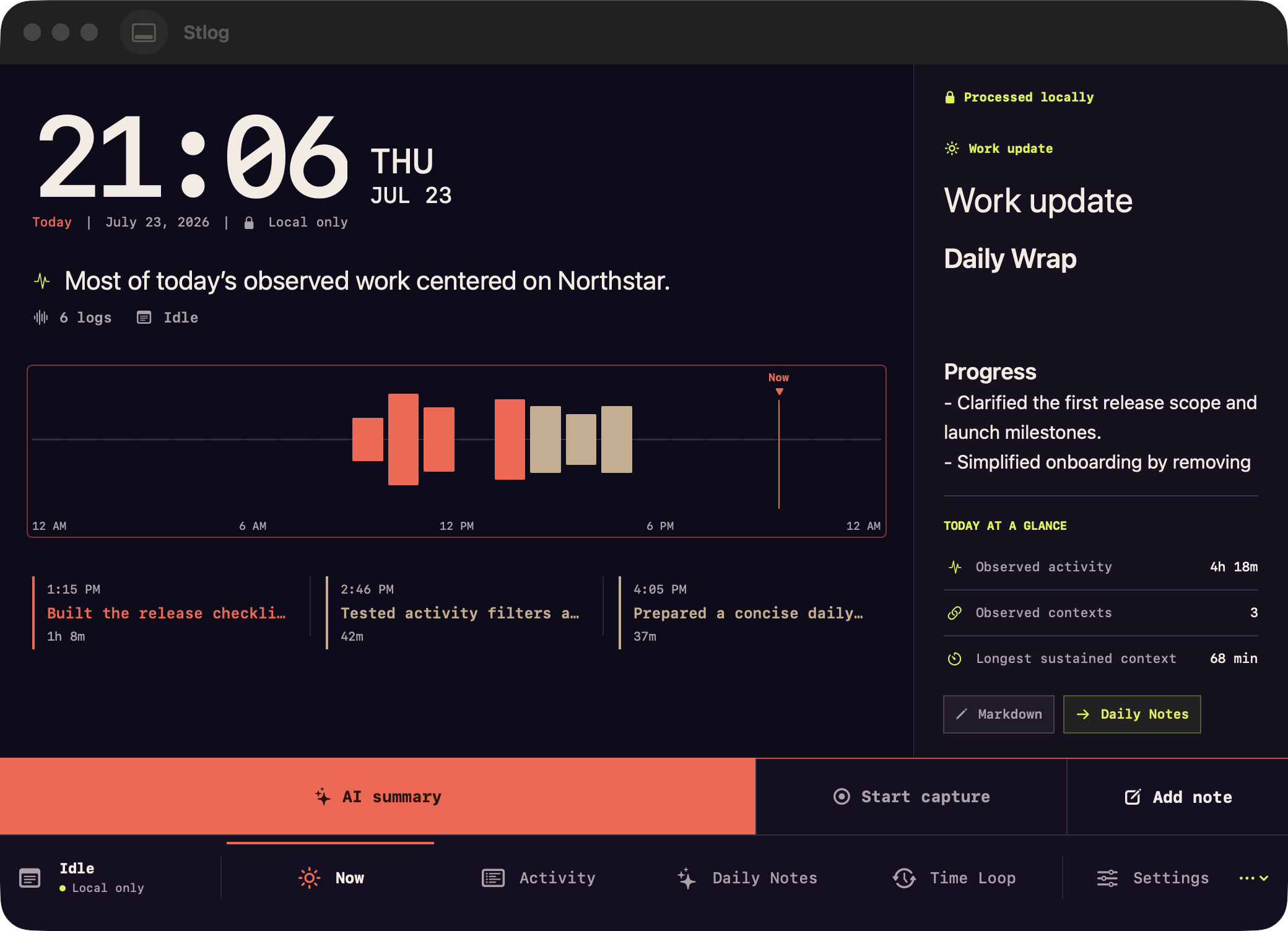
Start capture when you want it. Stlog records permitted app, window, workspace, note, and Git context on your Mac as the work happens.
 Stlog
StlogPRIVATE WORK MEMORY FOR MACOS
Stlog turns your local work trail into a Daily Wrap you can inspect, edit, and keep.
Stlog connects the signals around your work into a story you can understand later—without asking you to reconstruct the day from scratch.
CAPTURE THE EVIDENCE
Start capture when you want it. Stlog records permitted app, window, workspace, note, and Git context on your Mac as the work happens.
UNDERSTAND THE PATTERN
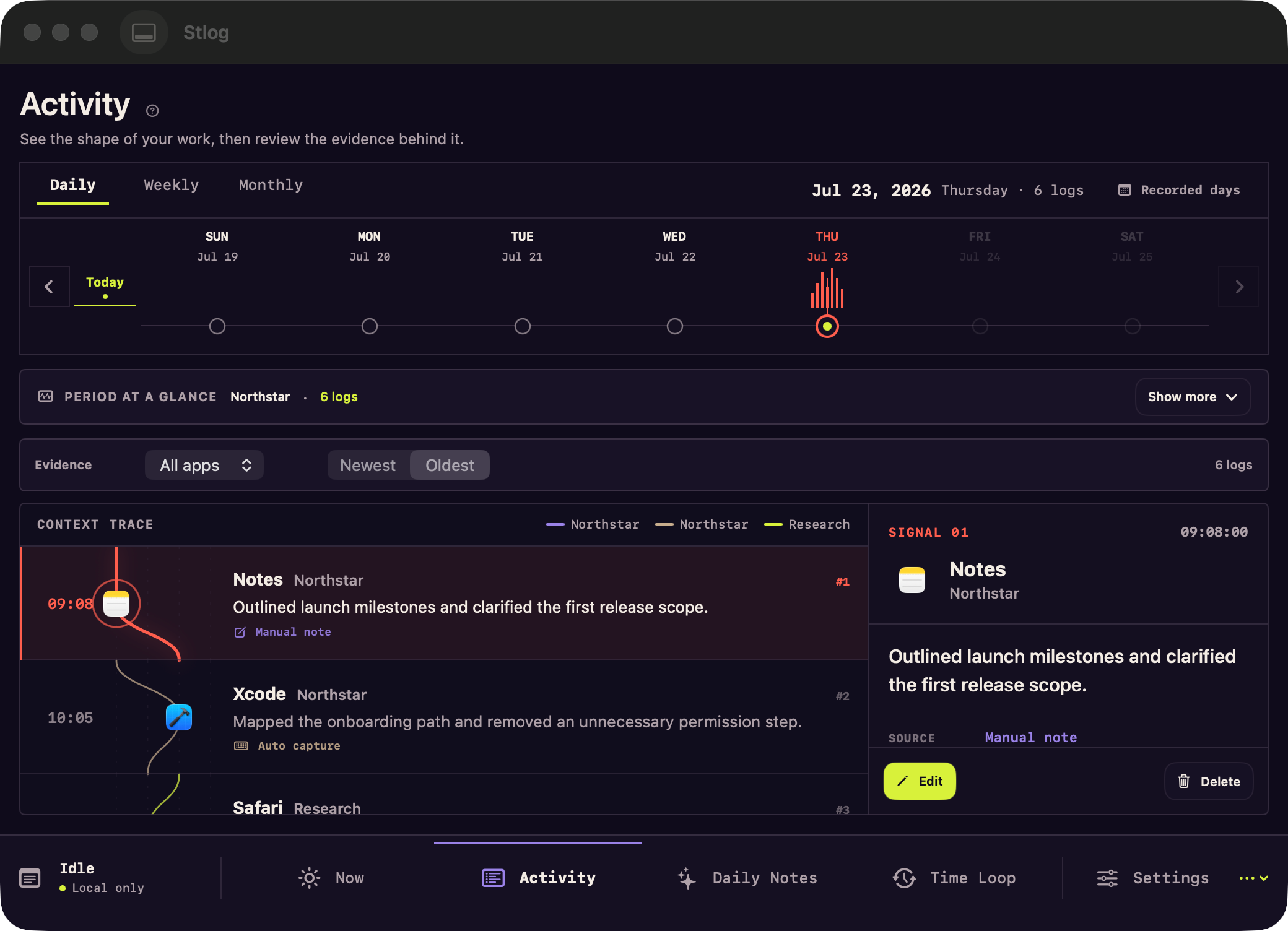
A living timeline connects the switches between apps and projects, so the shape of the day is still legible when the details start to blur.
REVIEW THE WRAP
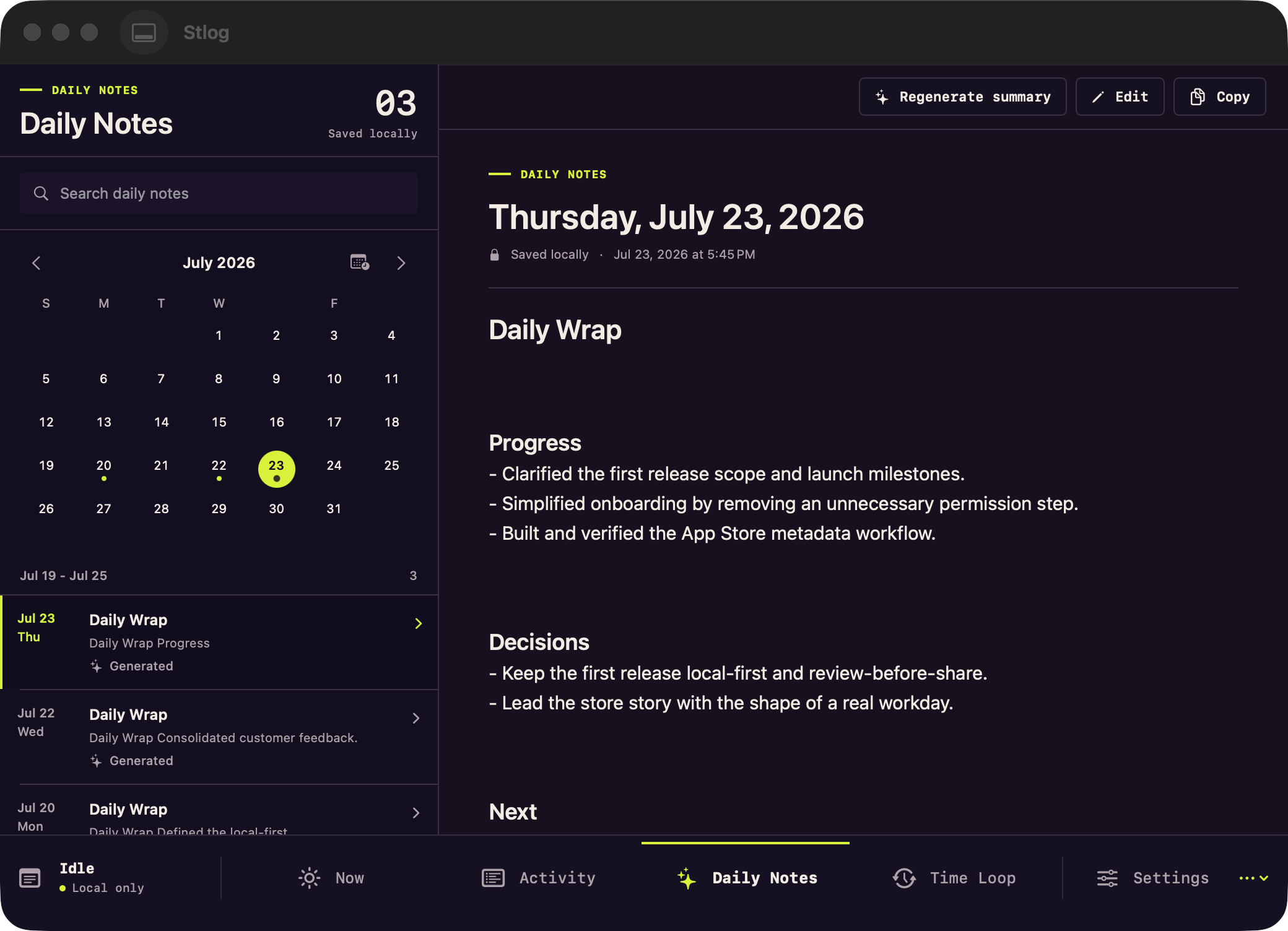
Create a Daily Wrap with on-device rules or Stlog AI. Edit the result before you copy or export it.
LOCAL FIRST / CLEAR BY DESIGN
Work logs and saved drafts stay on your Mac. Stlog AI runs only when you ask or explicitly schedule a Daily Wrap, and sends only the needed redacted context to Stlog's managed service.
Read the full privacy policyUse the current release without creating a Stlog account.
Work logs and drafts live on your Mac by default.
Automatic capture waits for your choice and macOS permissions.
Generated drafts are never automatically published or submitted.
STRAIGHT ANSWERS
No. It records work evidence so you can recall what happened and shape a Daily Wrap. The product does not need to grade your productivity or turn the day into a timesheet.
Yes. The current release does not require a Stlog account or use a Stlog-operated cloud database for work logs and drafts.
No. On-device rules remain available without sending work context. When you request Stlog AI, or explicitly enable a scheduled Daily Wrap, only the needed redacted context is sent to Stlog's managed service and its server-selected OpenAI model. You do not configure a provider account or API key.
Generated drafts are not automatically published or submitted. You decide whether to edit, copy, or export the reviewed content.
STLOG FOR MACOS / RELEASE 01
Own the memory of your work—so you’re ready to show what moved forward.